
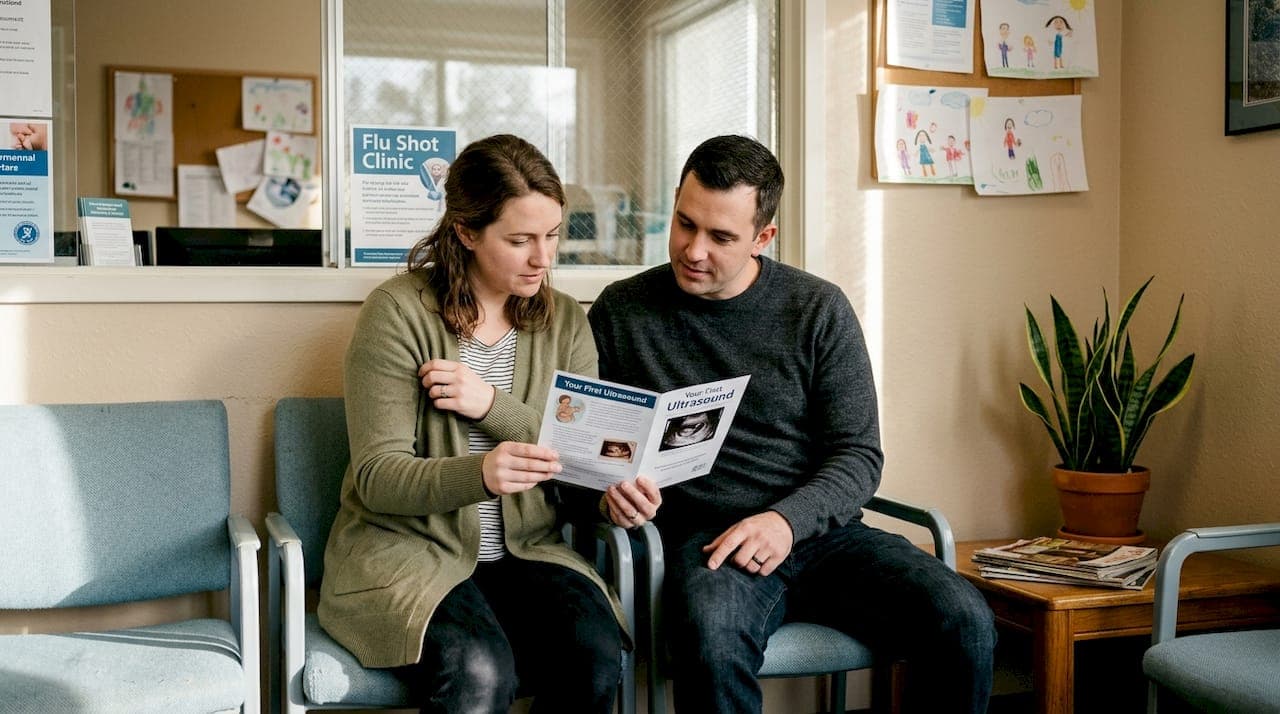
Most parents leave their ultrasound appointment clutching a grainy, black-and-white printout that barely shows a recognizable shape. It's a letdown that's more common than you'd think. The good news is that modern prenatal imaging technology has completely changed what's possible. Today, you can walk away with vivid 3D images, AI-assisted video clips, and digital keepsakes that genuinely look like your baby. This guide walks you through the gear, preparation, capturing strategies, troubleshooting fixes, and sharing options that will help you turn a routine appointment into a memory you'll treasure for life.
Table of Contents
- What you need for unforgettable ultrasound moments
- How to prepare for your ultrasound session
- Capturing the moment: Step-by-step strategies
- Troubleshooting and enhancing your ultrasound memories
- Sharing and saving your ultrasound keepsakes
- Our perspective: Beyond just a picture—why the experience matters
- Capture your moments with BabyView3D
- Frequently asked questions
Key Takeaways
| Point | Details |
|---|---|
| Advanced technology boosts quality | Modern 3D/4D and AI-powered video ultrasound deliver far clearer, more memorable images than traditional stills. |
| Preparation makes perfect memories | A little planning ensures you capture your baby's best moments during every ultrasound. |
| Troubleshooting saves the day | Knowing common fixes for blurry images or missed details helps parents get the most out of their session. |
| Secure sharing is essential | Use digital portals and cloud backup to keep your keepsakes safe and easy to share. |
What you need for unforgettable ultrasound moments
Before you even book your appointment, knowing what tools and technology are available makes a huge difference. Not all ultrasound providers offer the same experience, and the gap between a basic 2D scan and a full 3D ultrasound services session is enormous.
The biggest upgrade you can request is AI-assisted video capture. Research shows that AI-extracted video clips are far superior to traditional still images for reviewing details, with average review times of 3.75 minutes compared to just 1 minute for stills. That extended review time means more details noticed, more emotions felt, and a richer record of your baby's movements.
Here's a quick checklist of what you'll want to have ready:
- Confirmed appointment with a provider that offers 3D, 4D, or HD Live imaging
- A charged phone or tablet with enough storage for high-resolution video files
- A trusted partner or friend to share the moment and help manage recording
- A sharing plan so you can send images to family right after the session
- Cloud storage set up on your device before you arrive
The table below shows how different imaging formats compare for creating keepsakes:
| Imaging type | Image detail | Video available | Emotional impact |
|---|---|---|---|
| Standard 2D | Low | Rarely | Minimal |
| 3D still imaging | High | No | Strong |
| 4D live imaging | High | Yes | Very strong |
| HD Live with AI video | Very high | Yes | Exceptional |
Pro Tip: Call your provider at least a week before your appointment and ask specifically what image and video delivery formats they offer. Some clinics email digital files, others use a secure app, and knowing in advance lets you prepare your devices and accounts.
Choosing the right provider is the foundation of everything else. Once that's locked in, preparation becomes your next priority.
How to prepare for your ultrasound session
Once you know what tools you'll need, preparation is the key to getting clear and emotional keepsakes from your session. A little planning goes a long way, and most of it is surprisingly simple.
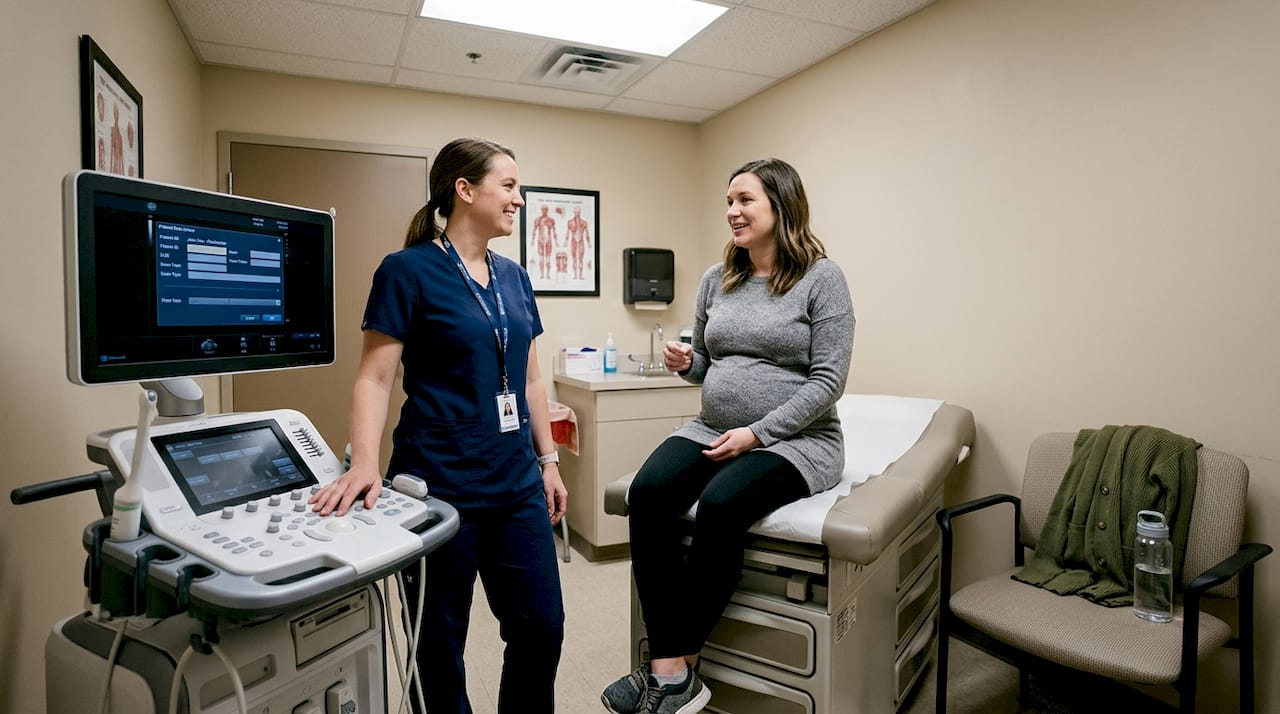
Image quality during a scan depends on several physical factors. Gel contact and focal zones during the scan directly affect how sharp your images will be. That means your body's hydration level and the technician's setup both play a role. You can control more of this than you think.
Follow these steps before your appointment:
- Hydrate well for 48 hours before your scan. Amniotic fluid clarity improves with hydration, which directly affects image sharpness.
- Eat a light snack 30 to 60 minutes before. A small amount of sugar can encourage your baby to move into a more visible position.
- Wear a two-piece outfit. Easy belly access saves time and keeps the session flowing smoothly.
- Download your provider's app or set up cloud storage before you leave home, not in the waiting room.
- Write down your preferences and share them with your technician at the start. Tell them if you want close-up facial shots, full body views, or specific angles.
- Bring your partner or a support person. Their reactions are part of the memory too.
For more guidance on planning your ultrasound appointment, it helps to read up on what to expect at each stage of pregnancy.
Pro Tip: Wear comfortable, loose-fitting clothes on the day of your session. Tight waistbands can cause discomfort and slow down the process when the technician needs quick, unobstructed access.
Mental preparation matters just as much as physical prep. Going in with clear expectations and an open attitude helps you stay present and enjoy the experience instead of stressing about the outcome.
Capturing the moment: Step-by-step strategies
Now that you're prepped, it's time to capture the moments that will matter most. Having a clear plan during the session itself makes a real difference in what you walk away with.
Follow these steps during your appointment:
- Request specific angles early. Ask your technician for facial close-ups, profile shots, and full-body views. Mention this at the start so they can plan the session.
- Ask for real-time adjustments. If an image looks blurry on the monitor, speak up immediately. Small changes in probe angle or settings can fix it fast.
- Prioritize AI video when available. Video clips allow for more comprehensive review and better detection of important features compared to still images alone.
- Use your provider's app or screen record as a backup. Many clinics now offer digital delivery through a secure platform.
- Capture reactions too. Have your partner film your face during key moments. That footage becomes part of the story.
Here's a comparison of what you get from different capture methods:
| Capture method | Detail level | Shareable | Long-term value |
|---|---|---|---|
| Printed still | Medium | Physical only | Fades over time |
| Digital still | High | Easy | Good |
| AI video clip | Very high | Very easy | Excellent |
| HD Live recording | Exceptional | Easy | Outstanding |
"The first time we saw her yawn in the 4D video, we both cried. A still photo would never have captured that." This kind of moment is exactly what advanced imaging technology makes possible.
Browsing the ultrasound image gallery before your session gives you a visual reference for the kinds of shots to request, which makes communicating with your technician much easier.
Troubleshooting and enhancing your ultrasound memories
Even with great preparation, things don't always go perfectly. Here's how to quickly address challenges and enhance your memories.
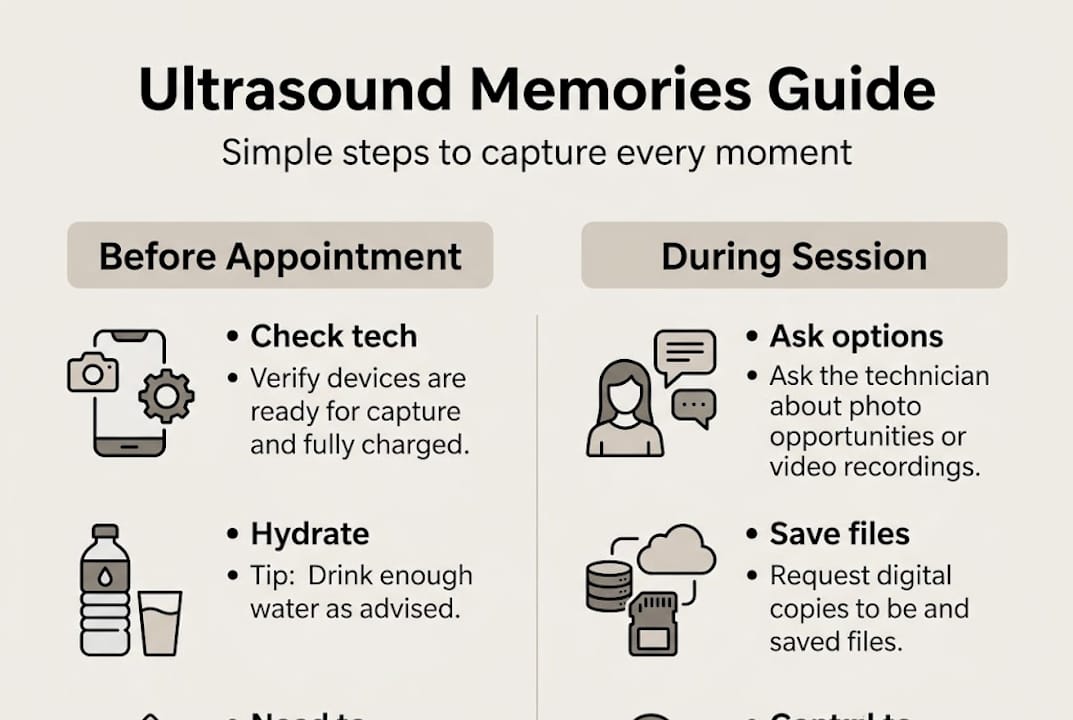
The most common issue parents face is blurry or unclear images. The fix is often simpler than you'd expect. Blurry images can often be corrected by adjusting the device's gain settings, ensuring good gel contact between the probe and skin, and refocusing on the correct depth zone. Don't hesitate to ask your technician to make these adjustments mid-session.
Here are the most common problems and quick solutions:
- Blurry image: Ask for gain adjustment and confirm gel coverage is even across the scan area
- Baby in a poor position: Take a short walk, drink some cold water, or wait a few minutes for repositioning
- Shadowing from bone or tissue: Request a different probe angle or try a side-lying position
- Missing a key shot: Ask if a brief rescan is possible before the session ends
- File delivery issues: Confirm the delivery method before you leave and test the download on-site
If the session genuinely doesn't produce the images you hoped for, most quality providers offer a complimentary or discounted rescan. Ask about this policy when you book.
Visit the BabyView3D homepage to learn about rescan options and how their certified sonographers handle sessions where imaging conditions are less than ideal.
Pro Tip: The moment your session ends, save all digital files to cloud storage before you leave the parking lot. Files stored only on a device can be lost if your phone is damaged or replaced.
Sharing and saving your ultrasound keepsakes
With all your images and videos in hand, making the most of these memories is the final, rewarding step. How you save and share these moments shapes how long they last and who gets to be part of them.
Research confirms that AI-extracted video clips offer extended content that's ideal for family sharing and review, giving grandparents, siblings, and close friends a much richer window into your baby's world than a single printed photo ever could.
Here are your best options for saving and sharing:
- Cloud albums: Google Photos, iCloud, or Amazon Photos let you create shared albums that family can access instantly
- Printed keepsakes: High-resolution stills printed on canvas or framed make meaningful nursery decor
- Video compilations: String together your best clips with a free app like iMovie or CapCut for a short, shareable film
- Digital time capsule: Create a private folder with images, videos, your reactions, and even a written note to your baby
- Social sharing: Share selectively with privacy settings so only your chosen circle can view
Using a secure client portal to access and download your files ensures your baby's images are protected and available whenever you need them.
Pro Tip: Store copies in at least two separate locations, such as a cloud service and an external hard drive. Technology changes, and having a backup means these memories survive any single platform's shutdown or your device's failure.
Our perspective: Beyond just a picture—why the experience matters
After more than 15 years of working with expectant families, we've noticed something consistent. The parents who remember their ultrasound sessions most vividly aren't always the ones who got the sharpest images. They're the ones who were fully present during the session.
Technology matters. The difference between a blurry 2D printout and a crisp HD Live video is real and significant. But the image is only part of the story. The moment you hear your baby's heartbeat, see a tiny hand move, or catch a yawn on video, something shifts emotionally. That shift is the actual memory.
We've seen parents so focused on getting the perfect screenshot that they miss the live moment playing out on the monitor in front of them. Our advice is to let the technology work for you, not the other way around. Request the formats you want, prepare your devices, then put your phone down and watch.
The ultrasound session experiences we offer are designed to give you both: the high-quality keepsakes and the emotional space to be present. Because the best memory of your baby's first images isn't just the file saved on your phone. It's the feeling you had when you first saw them.
Capture your moments with BabyView3D
Ready to make your ultrasound memories truly unforgettable? Here's how BabyView3D can help.
At BabyView3D, we've built every part of our service around making it easy to capture, save, and share your baby's earliest moments. From HD Live imaging to AI-assisted video clips, our certified sonographers guide you through every step. You can explore our 3D ultrasound services to find the package that fits your stage of pregnancy and your vision for keepsakes. We also offer a range of specialty products and keepsakes so your memories go beyond the screen. For everything you need in one place, learn more at BabyView3D and book your session today.
Frequently asked questions
What is the best way to get clear ultrasound images?
Choose a provider with advanced imaging technology, hydrate well before your appointment, and ask your technician to make adjustments if anything looks unclear. Gain adjustment, gel contact, and proper focal zones are the three most effective fixes for image clarity.
Are video clips better than still images for ultrasounds?
Yes. AI-extracted video clips allow for longer, more detailed review compared to traditional still photos, averaging 3.75 minutes of review time versus just 1 minute for stills, which means more meaningful moments captured.
How can I share my baby's ultrasound moments securely?
Use your provider's secure client portal or a private cloud album to share digital images and videos with family and friends while keeping your files protected.
Can I improve my baby's position for better ultrasound photos?
Drinking cold water before the scan and taking a short walk can encourage your baby to shift into a more visible position, though results vary depending on your baby's natural movement patterns.
What should I do if my ultrasound images are blurry?
Ask your provider to adjust the device settings immediately. Blurry images are often fixed by correcting gain levels, improving gel contact, and refocusing the scan's depth zone.