
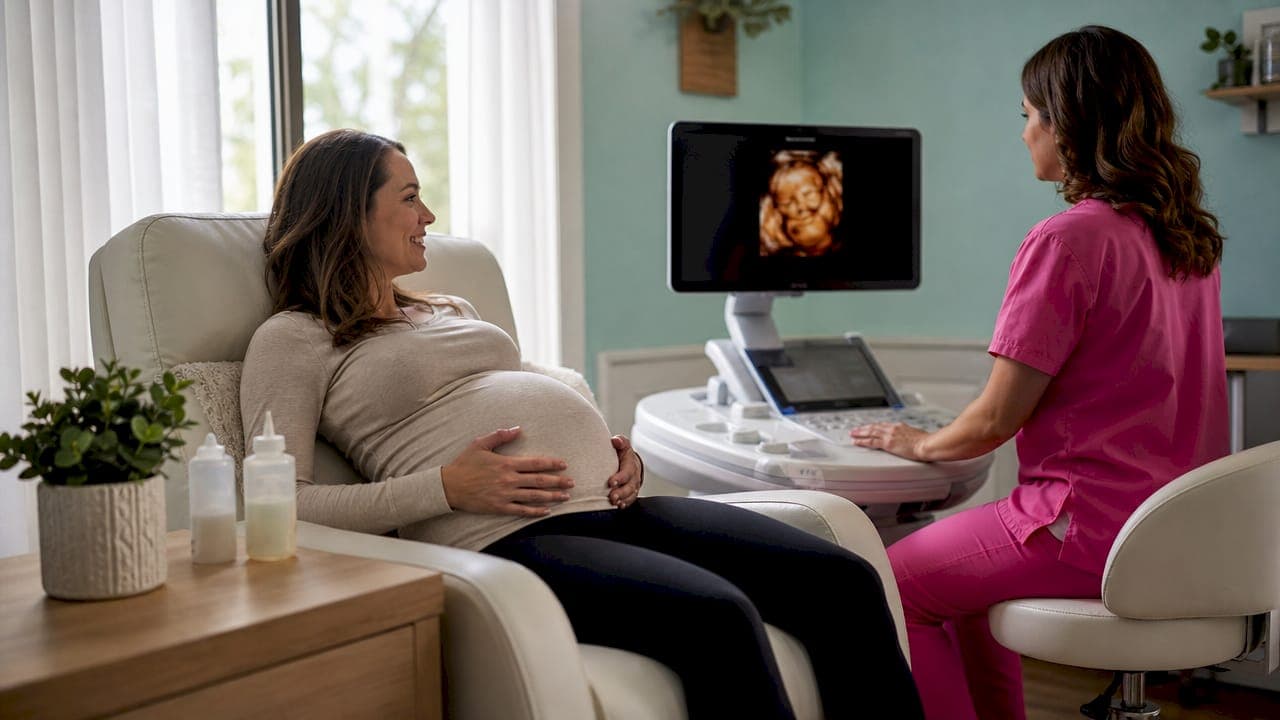
Frame rate in 4D ultrasound is defined as the number of three-dimensional image volumes captured and displayed per second, measured in frames per second (fps). This single number controls whether your baby's movements appear smooth and natural or choppy and blurred on screen. Understanding what is frame rate in 4D ultrasound helps you set realistic expectations and ask the right questions before your session. The 4D ultrasound frame rate typically ranges from 20 to 30 fps, depending on the machine and its settings.
What is frame rate in 4D ultrasound and why does it matter?
Frame rate is the heartbeat of any 4D ultrasound video. Each volume frame is built from dozens of 2D slices acquired one after another. The system then renders those slices into a single 3D image. How fast it can repeat that process determines the fps and motion smoothness you see on the monitor.
At 30 fps, the scanner updates the image every 33 milliseconds. At 15 fps, each update spans 67 milliseconds. That extra 34 milliseconds is long enough for a kicking baby to move noticeably between frames, creating visible blur. Think of it like a film camera: old silent movies shot at 16 fps look jerky, while modern video at 30 fps looks fluid. The same physics apply inside the womb.
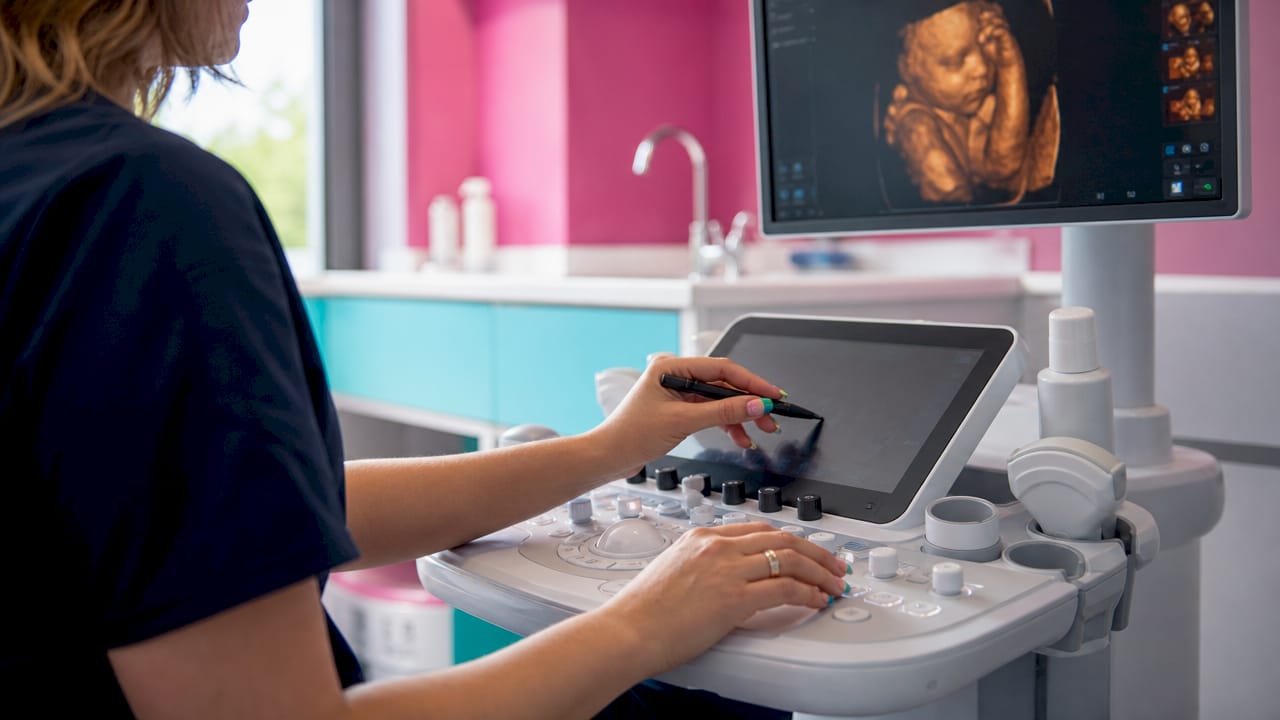
The practical result is direct. A low frame rate causes motion blur and frame dropout, meaning the video loses entire moments of movement. A fetal yawn or a tiny hand wave can disappear between frames entirely. Higher fps captures those fleeting expressions and stores them as clear, watchable memories.
How does frame rate affect the quality of 4D ultrasound fetal motion videos?
The technical term for what frame rate controls is temporal resolution, which simply means how finely time is sliced during image capture. Higher temporal resolution means more frequent updates and less chance for movement to outpace the camera.
When temporal resolution is low, two specific problems appear:
- Motion blur: The fetal structure moves while the scanner is still building the current frame, smearing the image across its path.
- Frame dropout: The system cannot sustain acquisition speed and drops frames from the sequence, creating sudden jumps in the video.
Both problems are most obvious during fast fetal movements. A slow stretch may look acceptable at 18 fps. A quick arm swing or hiccup will look blurry or fragmented at the same setting. This is why sonographers aim for above 25 fps when the goal is a smooth, shareable baby motion video.
Pro Tip: Ask your sonographer what frame rate the machine is running during your session. If your baby is very active, a higher fps setting will capture those movements far more clearly than a setting optimized for still detail.
The emotional payoff of a smooth video is real. Parents who watch fluid, natural movement report a stronger sense of connection during the session. That connection is one reason prenatal imaging benefits extend well beyond the clinical appointment.
What technical factors influence frame rate in 4D ultrasound imaging?
Frame rate does not exist in isolation. Several machine settings directly control how fast the scanner can acquire and render each volume. Understanding these factors explains why two sessions on the same machine can produce very different results.
| Factor | Effect on frame rate |
|---|---|
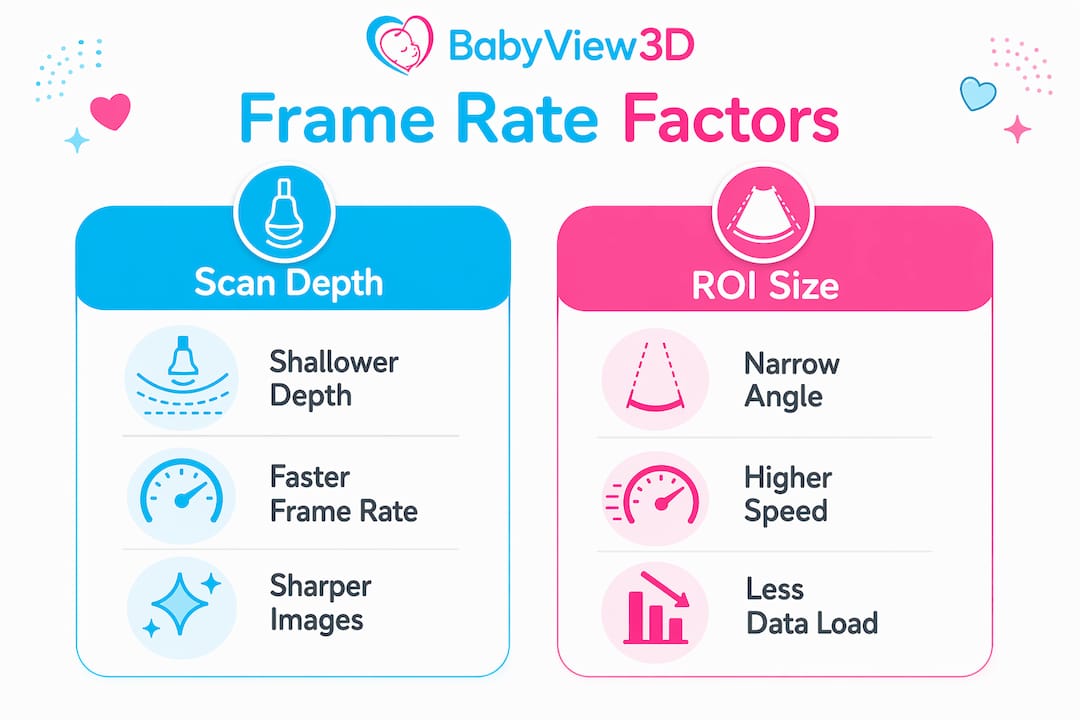
| Scan depth | Deeper scans require longer sound travel time, reducing fps |
| Region of interest (ROI) size | Larger ROI means more data per frame, slowing acquisition |
| Line density | Higher density improves spatial detail but lowers fps |
| Rendering filters | Heavy smoothing filters add processing time, reducing fps |
| Persistence/averaging | Blends multiple frames to reduce noise, but cuts temporal resolution |
Scan depth has the most direct effect. Sound travels at a fixed speed through tissue. A deeper scan simply takes longer to complete each sweep. Reducing depth from 14 cm to 8 cm can meaningfully increase fps without changing any other setting.
ROI size works the same way. A wide volume angle captures more of the baby but forces the system to process more data per frame. Trimming the ROI to focus on the face alone is a standard technique for boosting frame rate during keepsake sessions.
Persistence is a subtler trade-off. It smooths out the grainy noise that appears in ultrasound images by blending several consecutive frames together. The result looks cleaner, but persistence reduces temporal resolution by superimposing older frames onto the current one. A rapidly moving fetal hand will appear smeared even if the base fps is adequate.
Pro Tip: Persistence works best when the baby is still. If your baby is moving a lot, ask the sonographer to lower persistence settings to keep motion sharp.
What are the trade-offs between frame rate and image detail in 4D ultrasound?
The single biggest misconception parents carry into a 4D session is that higher fps always means a better image. That belief is understandable but incorrect. Increasing frame rate often requires reducing spatial resolution or shrinking the scan volume, both of which reduce image detail.
Spatial resolution is what makes fine features like eyelids, nostrils, and finger creases visible. Temporal resolution is what makes movement look smooth. These two qualities pull in opposite directions. Pushing one up typically pulls the other down.
Here is how that trade-off plays out in practice:
- Reducing line density speeds up acquisition but softens fine detail, making facial features less sharp.
- Shrinking the ROI boosts fps but may cut off parts of the baby's face or body.
- Lowering scan depth improves fps but limits how much of the baby fits in the frame.
- Turning off persistence sharpens motion but increases visible image noise.
Sonographers who specialize in 4D ultrasound resolution learn to read each session individually. A baby positioned face-forward near the probe needs different settings than one tucked in a corner at depth. There is no universal "best" setting. The right balance depends on what the parent wants to see and what the baby is doing.
The key takeaway is this: a video that looks smooth but slightly soft is often a better keepsake than a sharp but choppy one. Motion is what makes 4D imaging feel alive.
How do sonographers optimize frame rate during 4D ultrasound sessions?
Experienced sonographers follow a clear sequence of adjustments to get the best possible video for each family. The process is not random. It is a deliberate set of choices made in real time.
- Set a shallow depth. The sonographer positions the probe close to the baby and reduces depth to the minimum needed to frame the target area. Less depth means faster sound return and higher fps.
- Trim the ROI. The region of interest is resized to focus on the face or the specific body part the parent wants to see. A tighter box means less data per frame.
- Reduce focus zones. Multiple focus zones improve sharpness at different depths but slow acquisition. One well-placed focus zone is usually the right call for motion video.
- Adjust smoothing filters. Rendering filters and persistence are dialed back when the baby is active to preserve motion clarity.
- Stabilize the probe. Even small probe movements add motion artifact to the video. A steady hand is as important as any digital setting.
- Wait for fetal position. If the baby is facing away or has a limb blocking the face, the sonographer will gently reposition the parent or wait for natural movement. Patience here pays off in image quality.
Pro Tip: Drink a small amount of cold water or juice about 30 minutes before your session. Many parents find this encourages fetal movement, which gives the sonographer more opportunities to capture expressions at the right moment.
The step-by-step ultrasound process involves more real-time decision-making than most parents realize. A skilled sonographer is constantly reading the image and adjusting settings to serve the moment.
How does understanding frame rate help you appreciate your 4D ultrasound experience?
Knowing what frame rate does changes how you watch your session. Instead of wondering why the image looks soft during a fast movement, you understand that the sonographer is managing a real physical trade-off in real time.
That understanding also reduces frustration. Parents who expect every frame to look like a photograph are sometimes disappointed. Parents who understand that smooth motion requires compromise tend to enjoy the experience far more. The image quality factors involved are genuinely complex, and no machine eliminates them entirely.
A few questions worth asking your provider before or during your session:
- What frame rate does your machine typically run for 4D sessions?
- Do you adjust settings based on fetal position and activity?
- Can you prioritize motion smoothness for the video portion of my session?
- What is the best gestational window for clear facial imaging at your center?
Asking these questions signals that you are an informed parent and gives the sonographer useful context. It also opens a conversation about ideal ultrasound timing, which affects image quality as much as any machine setting.
The emotional value of a smooth, clear 4D video is hard to overstate. Watching your baby stretch, yawn, or smile in real time creates a bond that still images cannot replicate. Frame rate is the technical foundation of that experience.
Key takeaways
Frame rate in 4D ultrasound is the number of 3D volumes captured per second, and balancing it against image detail is the central challenge of every prenatal imaging session.
| Point | Details |
|---|---|
| Frame rate definition | Frame rate measures 3D volumes per second; 20–30 fps is the standard range for 4D sessions. |
| Motion quality link | Higher fps reduces motion blur and frame dropout, producing smoother fetal movement video. |
| Technical trade-offs | Reducing scan depth and ROI size raises fps but may limit the visible area or soften fine detail. |
| Persistence effect | Persistence smooths image noise but lowers temporal resolution, blurring fast fetal movements. |
| Parent strategy | Ask your sonographer about frame rate settings and request motion-priority adjustments for video portions. |
What parents often miss about frame rate in 4D ultrasound
Most parents walk into a 4D session focused on one thing: seeing their baby's face as clearly as possible. That instinct is completely natural. But in my experience watching families go through these sessions, the ones who leave most satisfied are those who came in understanding that motion and detail are two different things.
The common mistake is treating fps like a megapixel count on a phone camera. Higher is not automatically better. A session running at 28 fps with a trimmed ROI and reduced persistence will produce a more emotionally powerful video than one running at 20 fps with maximum detail settings, especially if the baby is active. The movement is what makes it feel real.
Technological advances in recent years have genuinely narrowed this trade-off. Machines with faster processors and smarter rendering pipelines can now achieve higher fps at better detail than was possible even five years ago. But the physics of sound still impose limits. No machine eliminates the trade-off entirely. The sonographer's skill in managing it in real time remains the most important variable in the room.
My honest recommendation: trust your sonographer, ask good questions, and focus on the experience of watching your baby move rather than analyzing the technical specs of each frame. The memory you take home is the point.
— LENIER
Bbview3d's 4D ultrasound sessions are built around image quality
Bbview3d has spent more than 15 years refining the technical and emotional side of prenatal imaging. Every session is conducted by certified sonographers who actively manage frame rate, ROI, and rendering settings to match what each family wants to see.

Whether you want smooth motion video of your baby's expressions or high-detail still images for keepsakes, Bbview3d's 4D ultrasound services are designed to deliver both within the same session. HD Live technology and 8K resolution imaging give families a level of clarity that standard prenatal ultrasound cannot match. First-appointment pricing is available, and sessions include visual summaries and keepsakes. Book your session at Bbview3d and see your baby before they arrive.
FAQ
What is a normal frame rate for 4D ultrasound?
A normal 4D ultrasound frame rate falls between 20 and 30 fps. Premium machines can reach 30 fps by reducing scan depth and ROI size.
Why does my 4D ultrasound video look blurry during movement?
Blurry movement in 4D video is caused by low temporal resolution. When the frame rate is too low, fetal motion outpaces image acquisition and creates motion blur or frame dropout.
Does a higher frame rate always mean a better 4D ultrasound image?
No. Higher fps often requires reducing spatial resolution or scan volume, which can soften fine detail like facial features. Sonographers balance both based on the session goal.
What can I do to help get a better 4D ultrasound video?
Drink a small amount of cold water or juice before your session to encourage fetal movement. Scheduling at the right gestational stage, typically between 26 and 32 weeks, also improves image quality significantly.
How does persistence affect 4D ultrasound frame rate?
Persistence blends multiple frames to reduce image noise, but it lowers temporal resolution in the process. High persistence settings can blur fast fetal movements even when the base fps is adequate.